

Probability
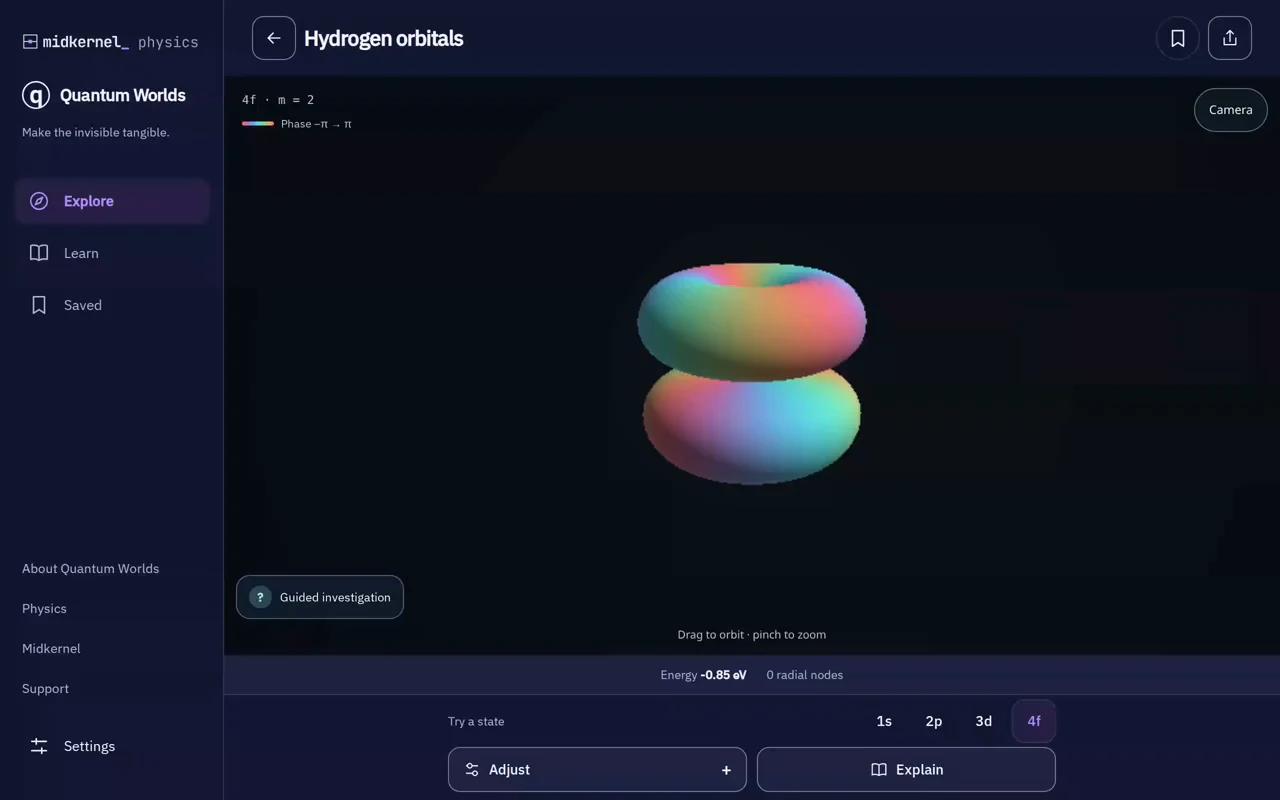
What shape is an electron?
Explore the shapes of hydrogen orbitals. Change the quantum numbers and see where an electron is more likely to be found.
Explore orbitalsFrom Midkernel Physics
Make the invisible feel tangible. A playful place to explore quantum physics, build intuition and follow your next question.
iPhone & iPad · In beta · Public download not yet available
Reduced motion is on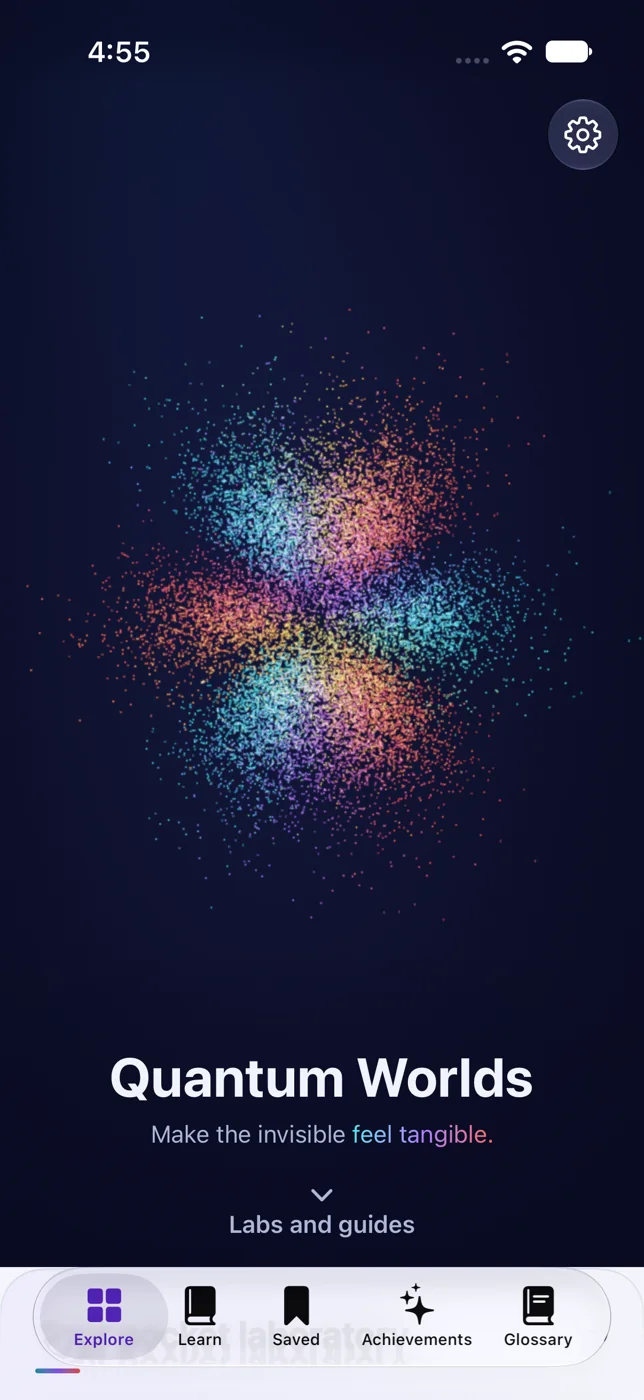
For iPhone & iPad
Investigate quantum ideas through interactive labs and guided learning. See predictions beside observations, open the explanation when you are ready, and explore offline.
Quantum Worlds is in TestFlight beta testing and is not available in the App Store. A public download link is not available yet.
You can try orbitals, scattering and spin in your browser today.
Open the browser labs ↗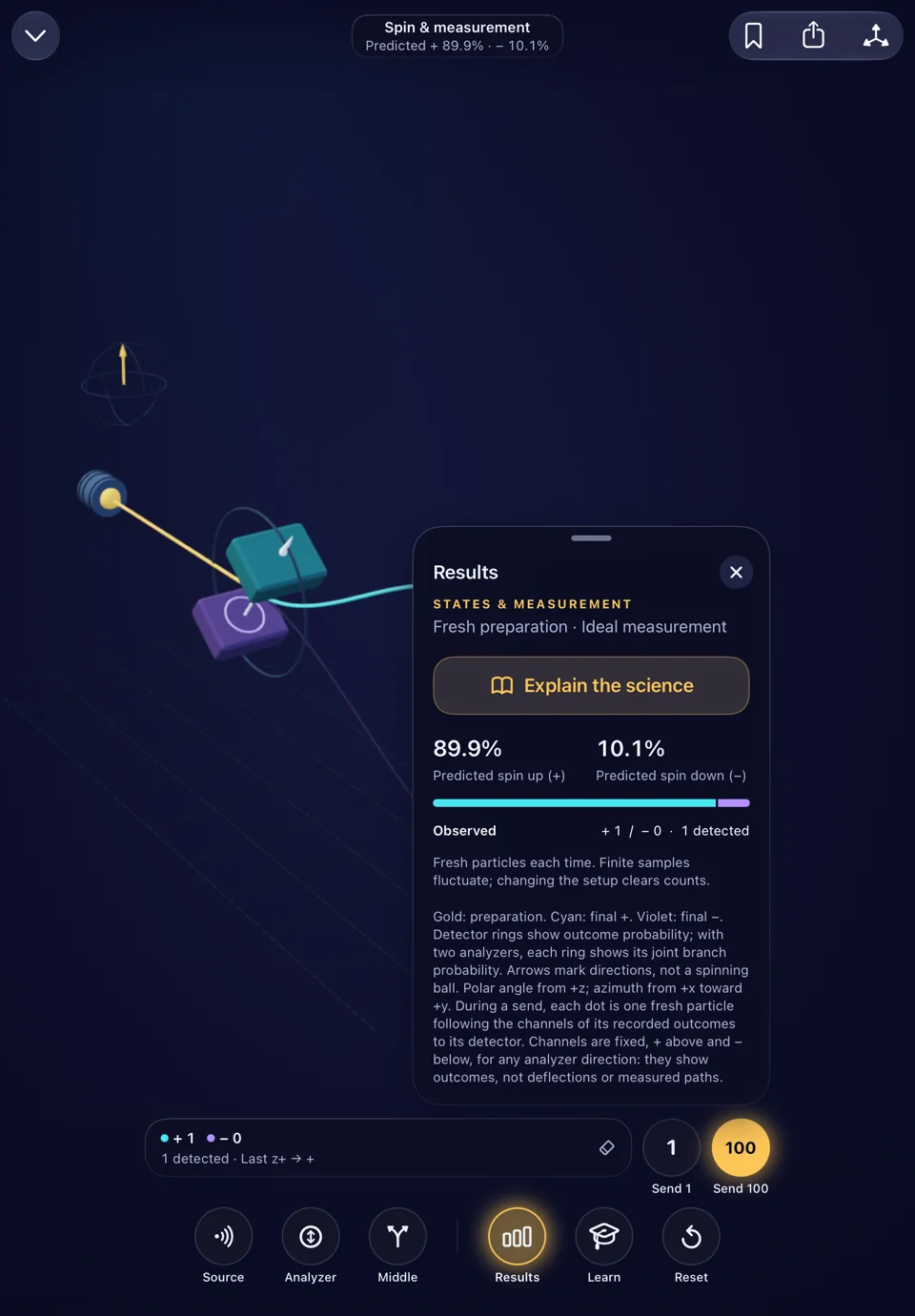
Start with a question
Three browser experiments. Change something, make a prediction, and see what the model shows.
Probability
Explore the shapes of hydrogen orbitals. Change the quantum numbers and see where an electron is more likely to be found.
Explore orbitals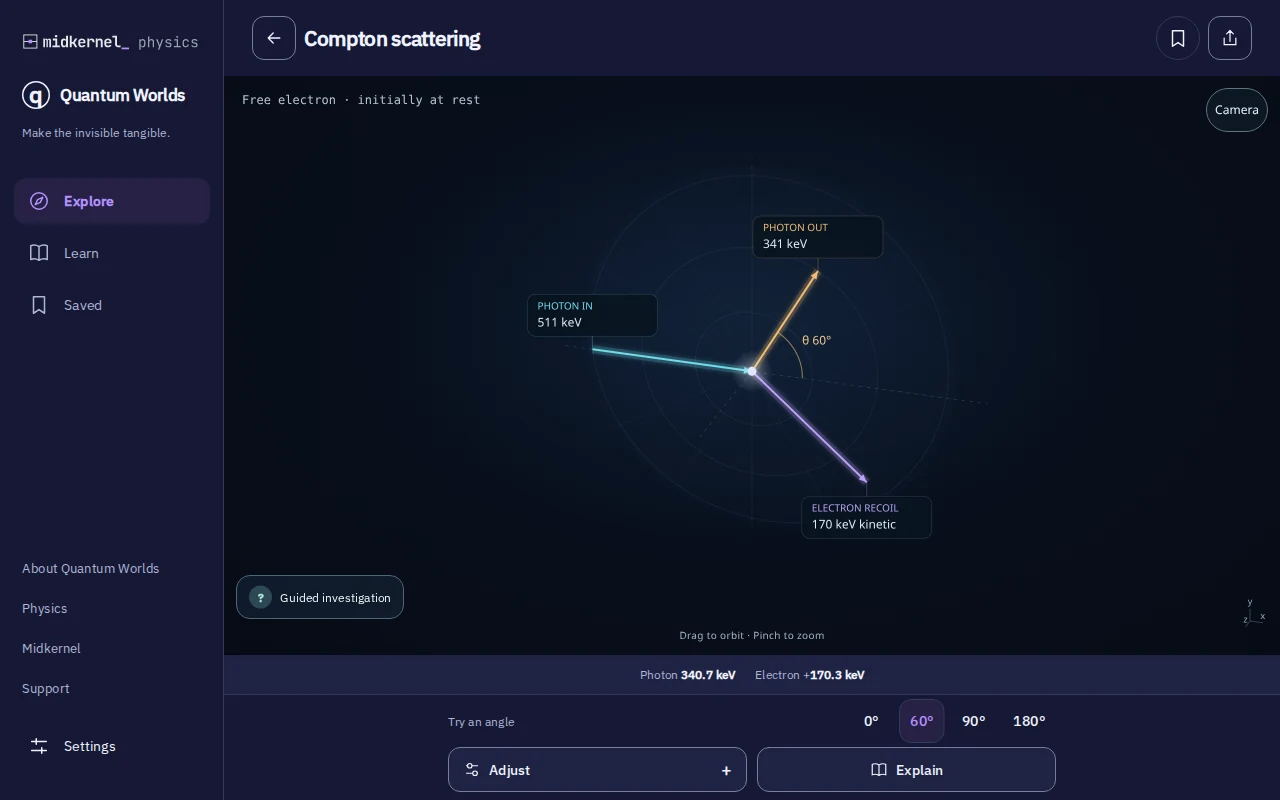
Light & matter
Explore Compton scattering: change the angle of a photon–electron collision. Compare the outgoing photon energy and see how energy and momentum fit together.
Try scattering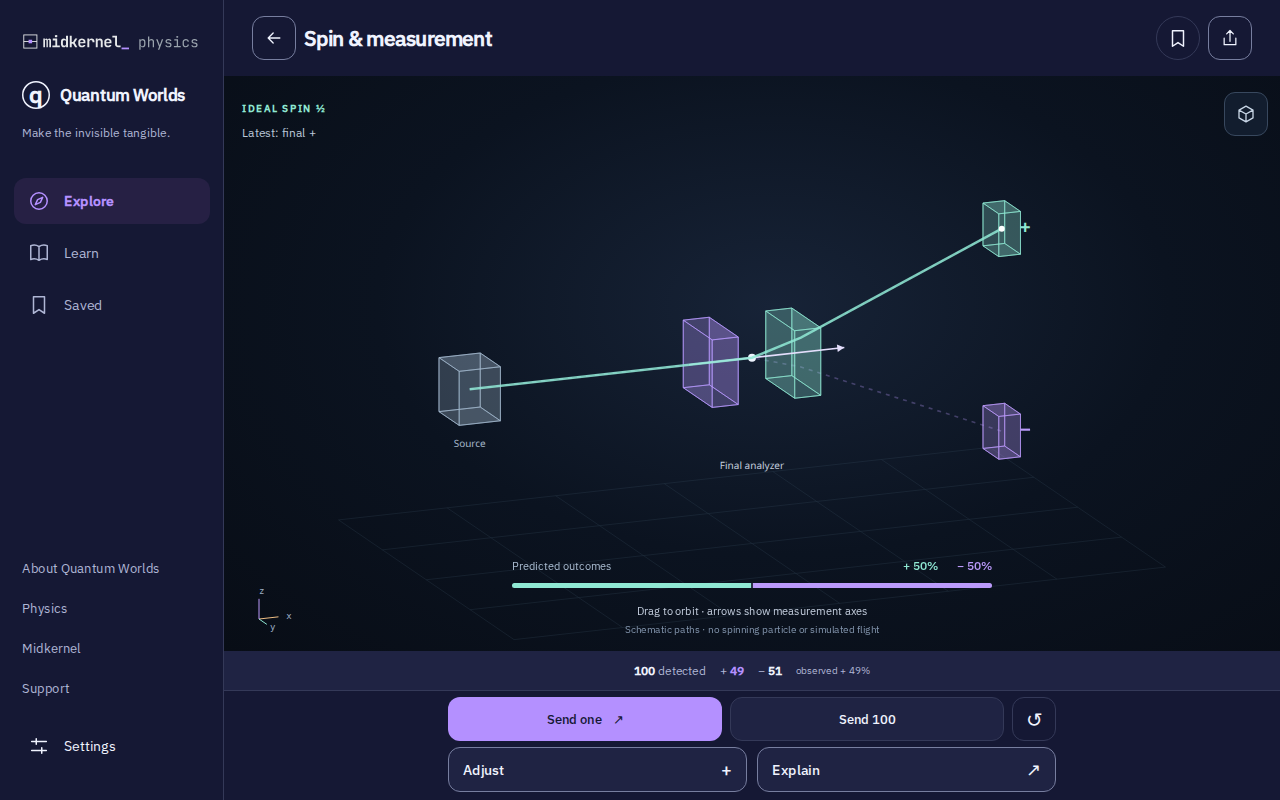
Measurement
Explore spin measurements and how their probabilities depend on the direction you choose.
Investigate spinOne small change. A new perspective.
Choose a recorded state, then open the real lab to rotate it and investigate. These shapes show probability, not paths an electron travels.
A richer shape with lobes and a ring. Explore how the quantum numbers describe this state.
Open this state in the lab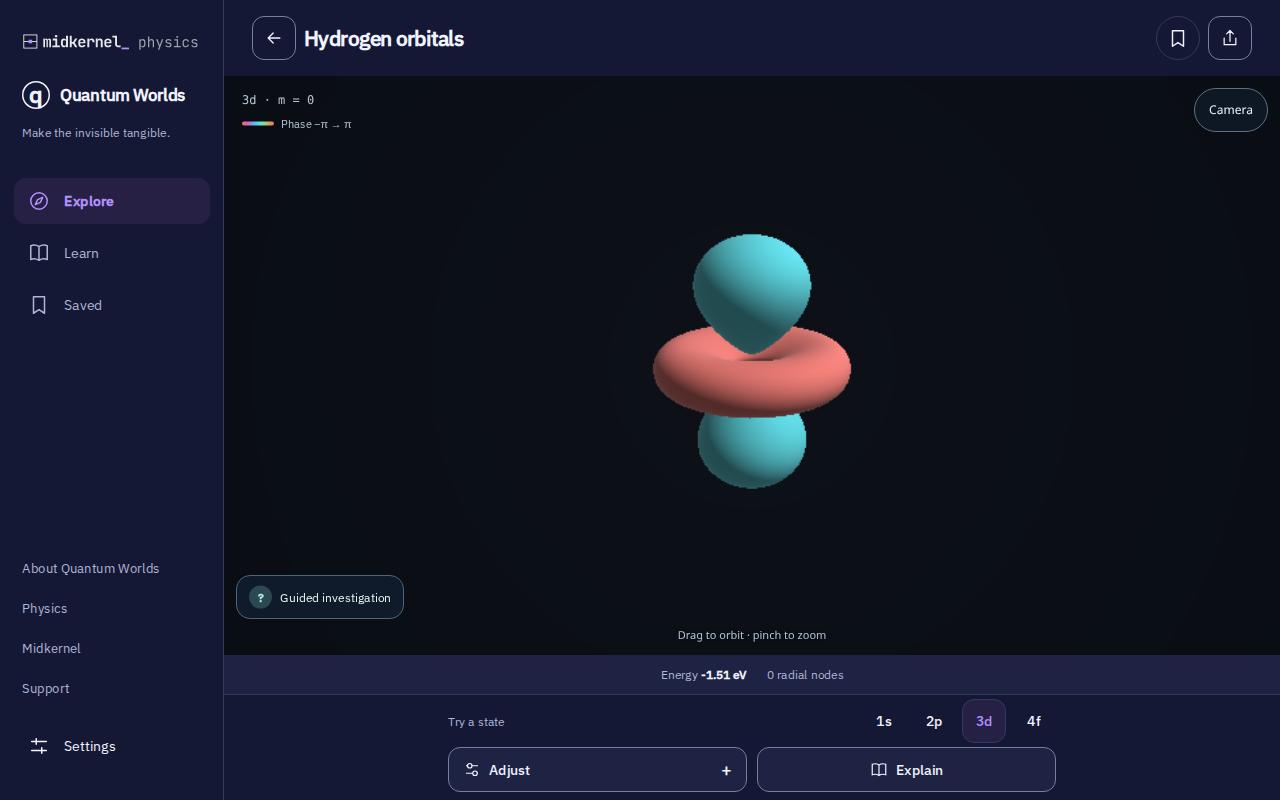
What do you think will happen? You do not need all the equations to start asking useful questions.
Try a new state or setting. Compare it with where you started and look for a pattern.
Connect what you see to the explanation. Read the assumptions and limits behind the model.
Two ways to explore
The native app and browser labs have different scopes. Start where it suits you.
A broader collection of labs and guided learning, designed for offline use.
In beta testingOrbitals, photon–electron scattering and spin. Open a lab without an account.
Try the browser labs ↗Pick a question that makes you curious. The browser labs let you explore orbitals, scattering and spin. Astronomy brings you to gravity and light, with notes about the models alongside the experiments.
No prior quantum mechanics is required. Start by changing one thing and looking at the result. Basic physics and mathematics help when you want to go deeper into the explanations.
Quantum Worlds is in TestFlight beta testing and is not available in the App Store. A public download link is not available yet.
They are different ways to explore. Quantum Worlds for iPhone and iPad includes a broader collection of labs and guided learning, designed to work offline. The browser currently offers orbitals, scattering and spin. Browser features do not imply native feature parity.
Yes. Physics labs are free for personal and classroom use under the Physics terms. Try making a prediction together, changing a parameter, then discussing what the model shows and what it leaves out.
You can open the browser experiments without creating an account. The native app is designed for offline exploration.
Bring your curiosity
Get to know Quantum Worlds for iPhone and iPad, or open a browser experiment right now.
Native app in beta testing. Public download not yet available.